PROJECT
EXIA
©2026
NATIVE
  V-1.1.0
  MANGA
  ANIME
  TV
  FILM
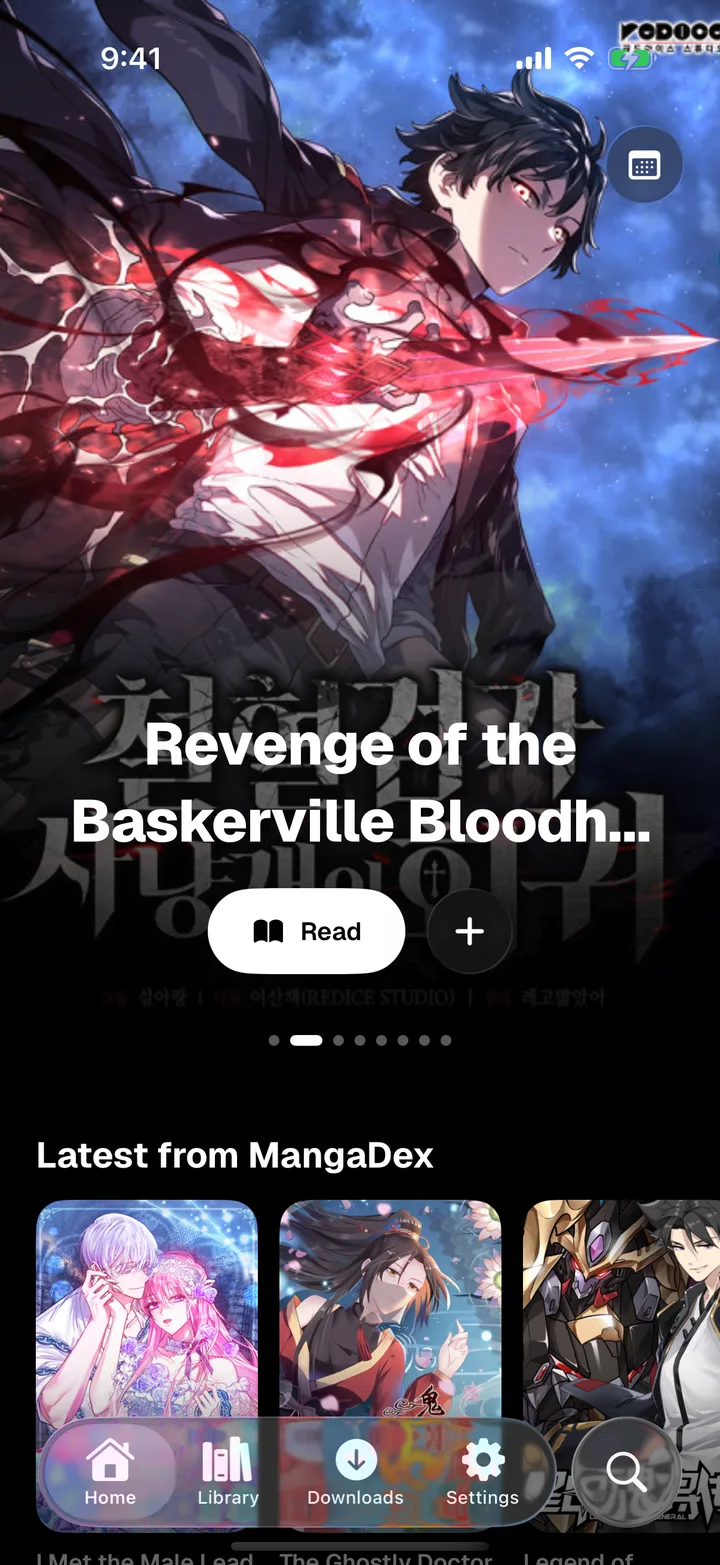
Read manga. Watch anime, TV shows and movies.
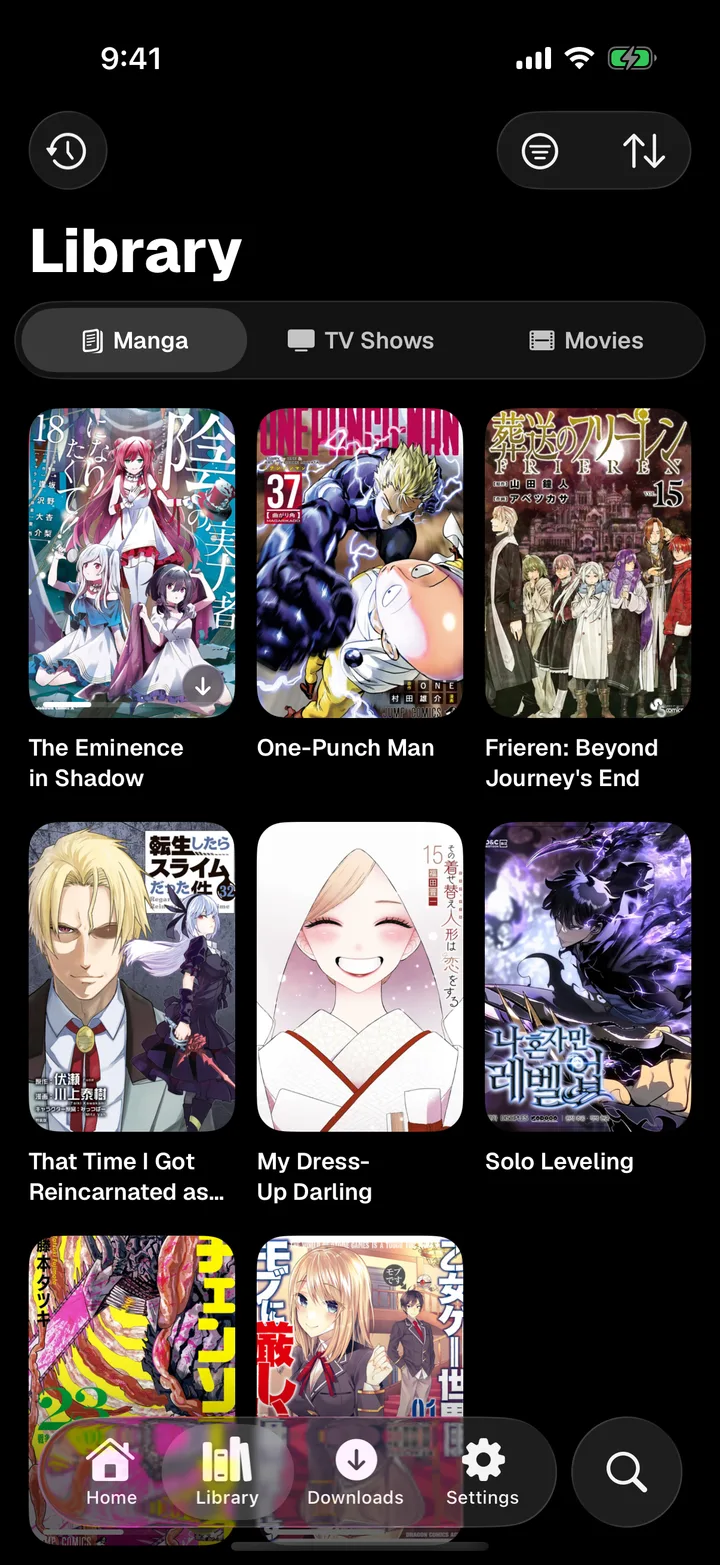
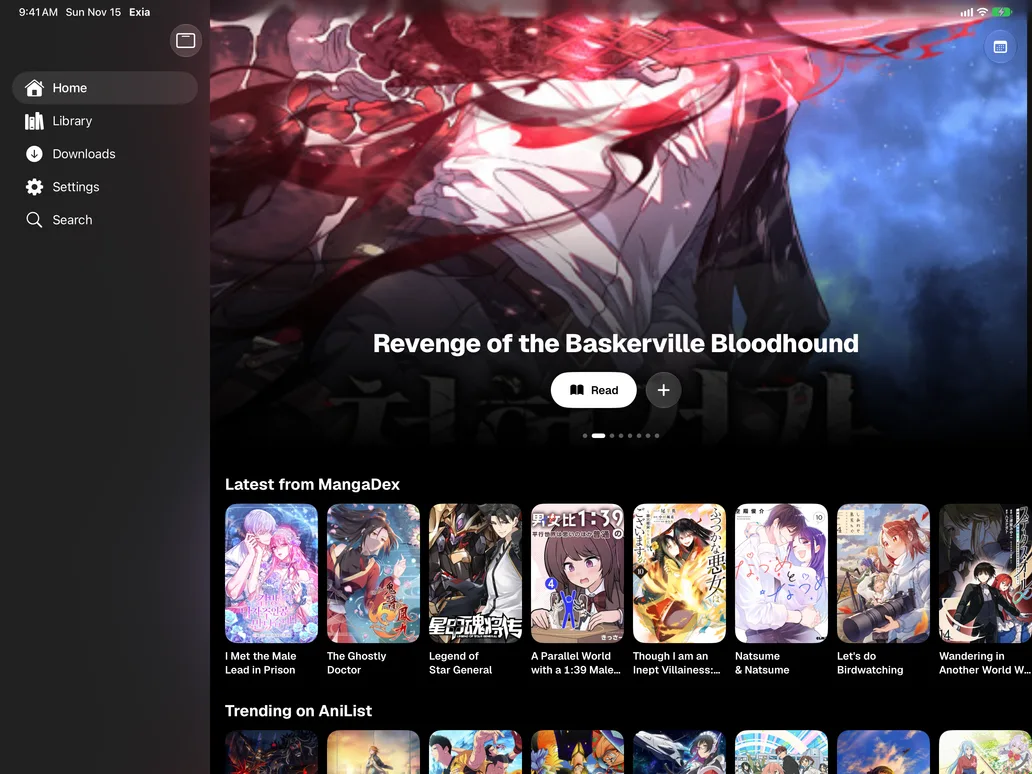
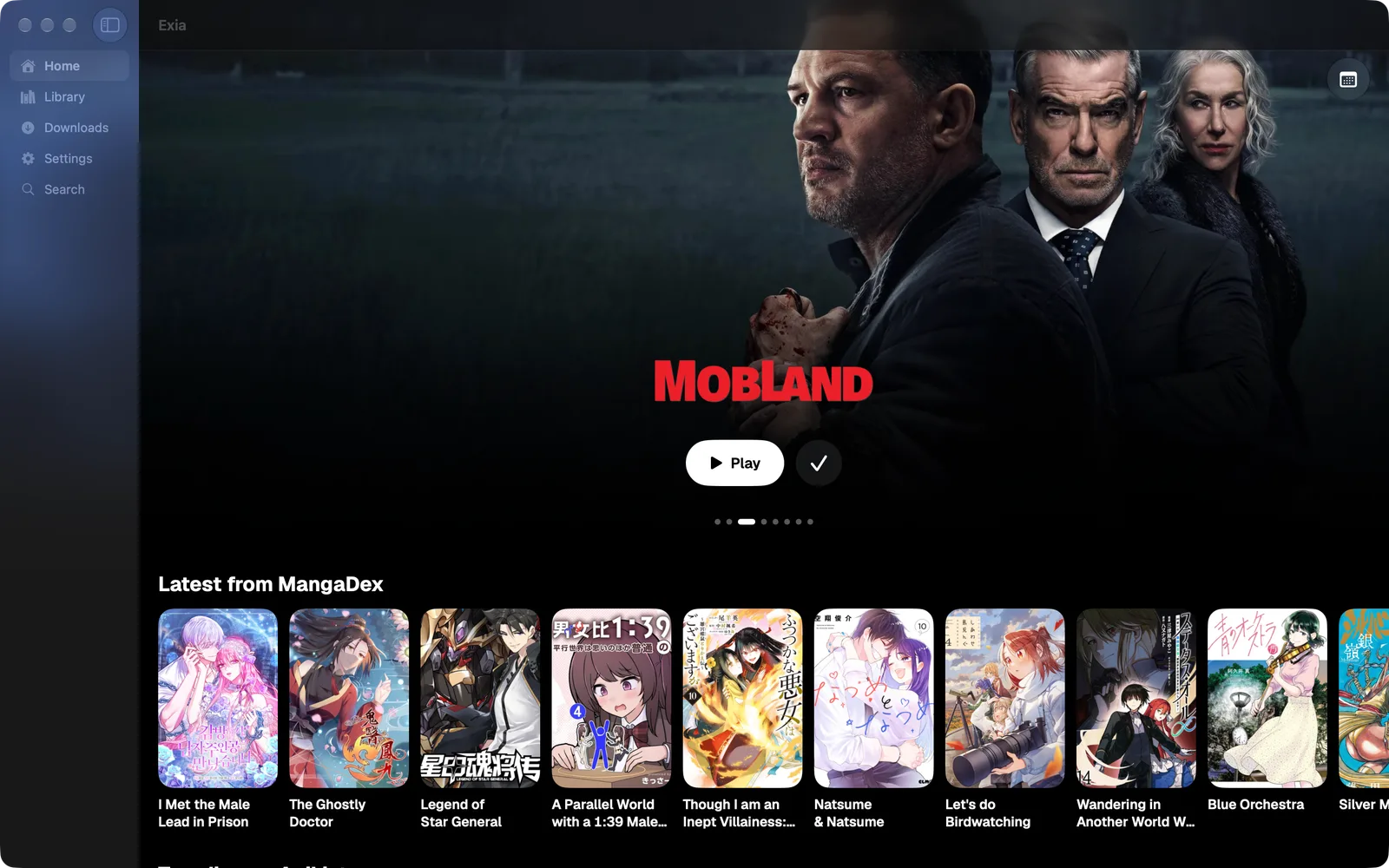
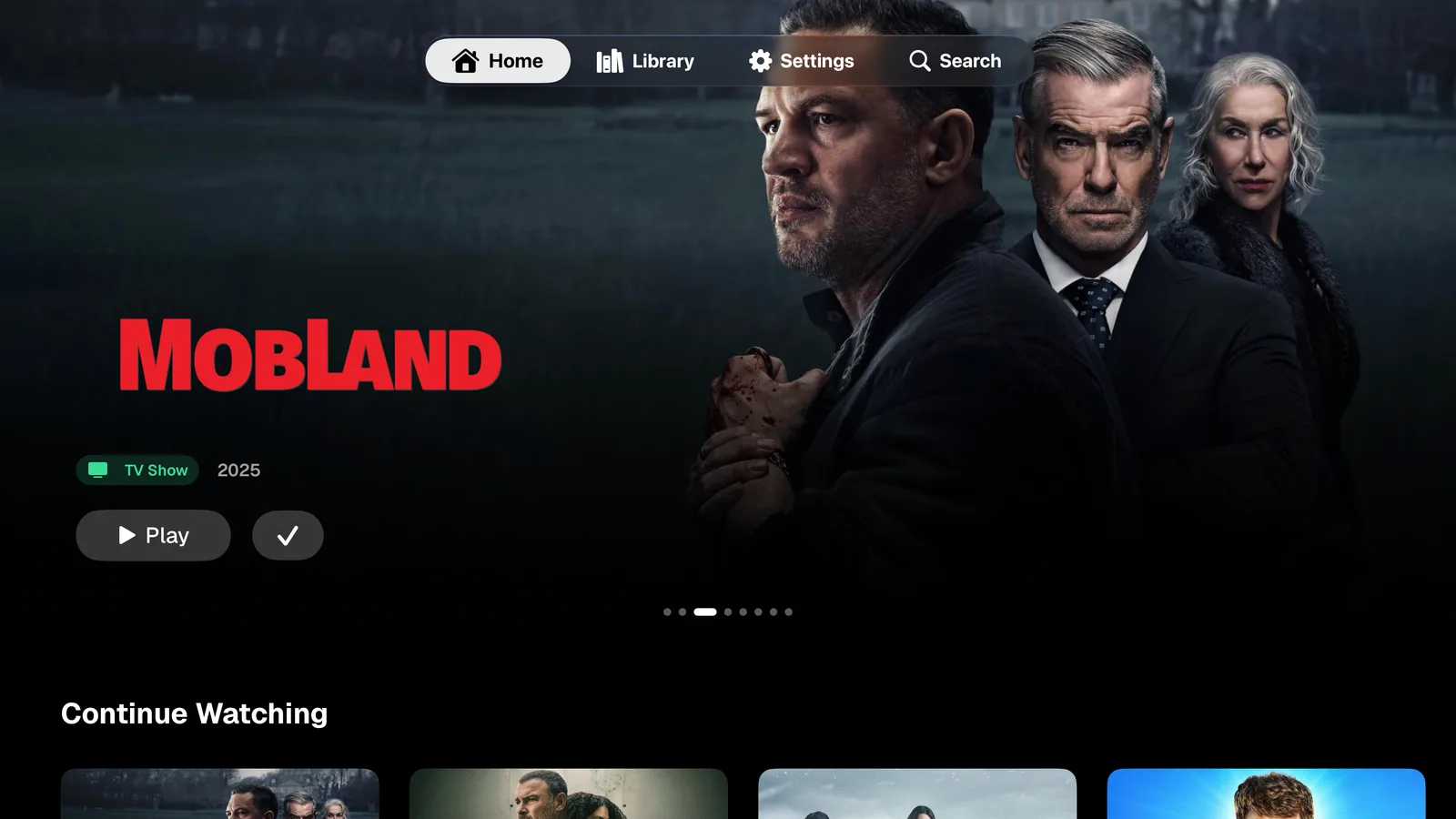
All your manga, anime, TV shows and movies in one place, on iPhone, iPad, Mac and Apple TV.
- Native
- Lightweight
- Offline first
- Synced
- Open sources
- Addon driven
- Tracked
- Customizable
- Private
- Glass
Install sources, add addons, download anything, pick up on any device.
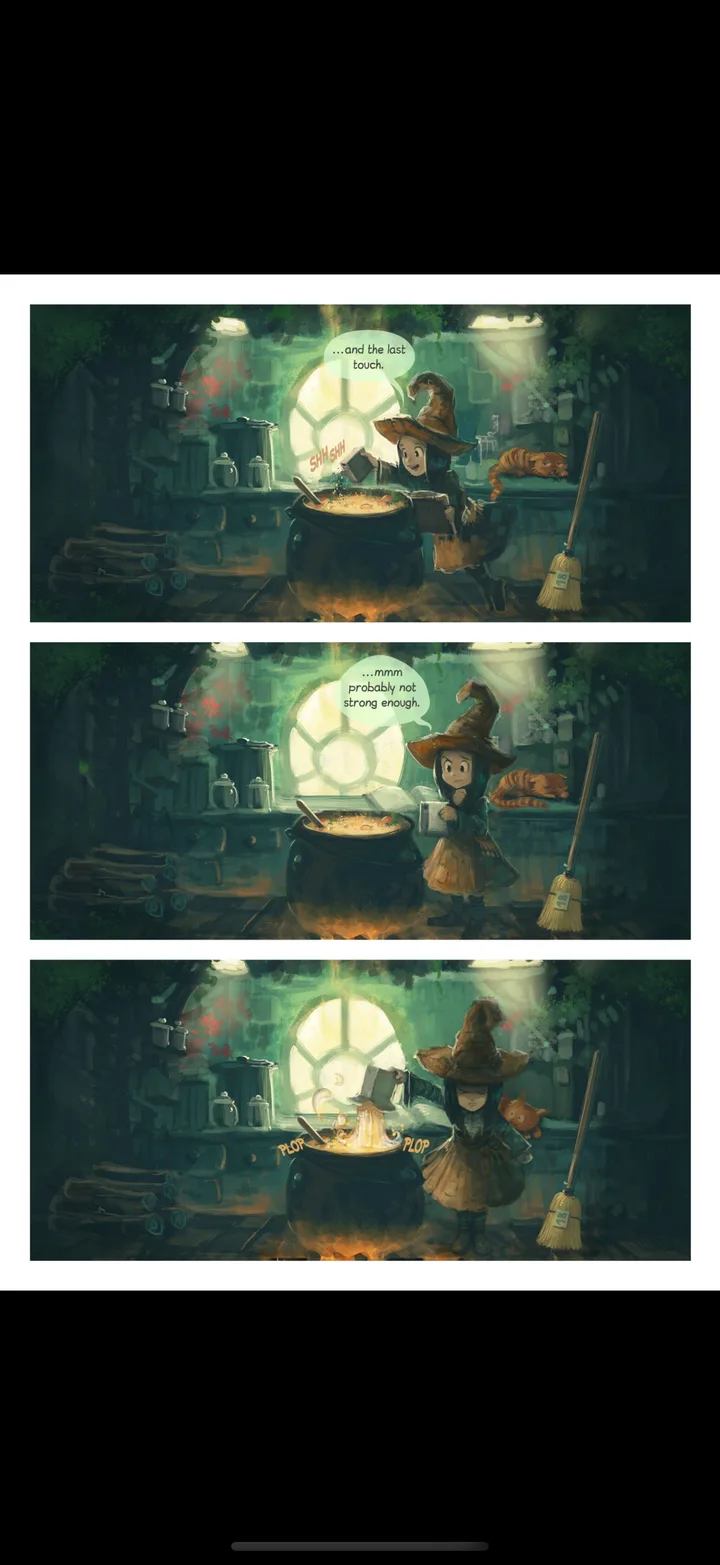
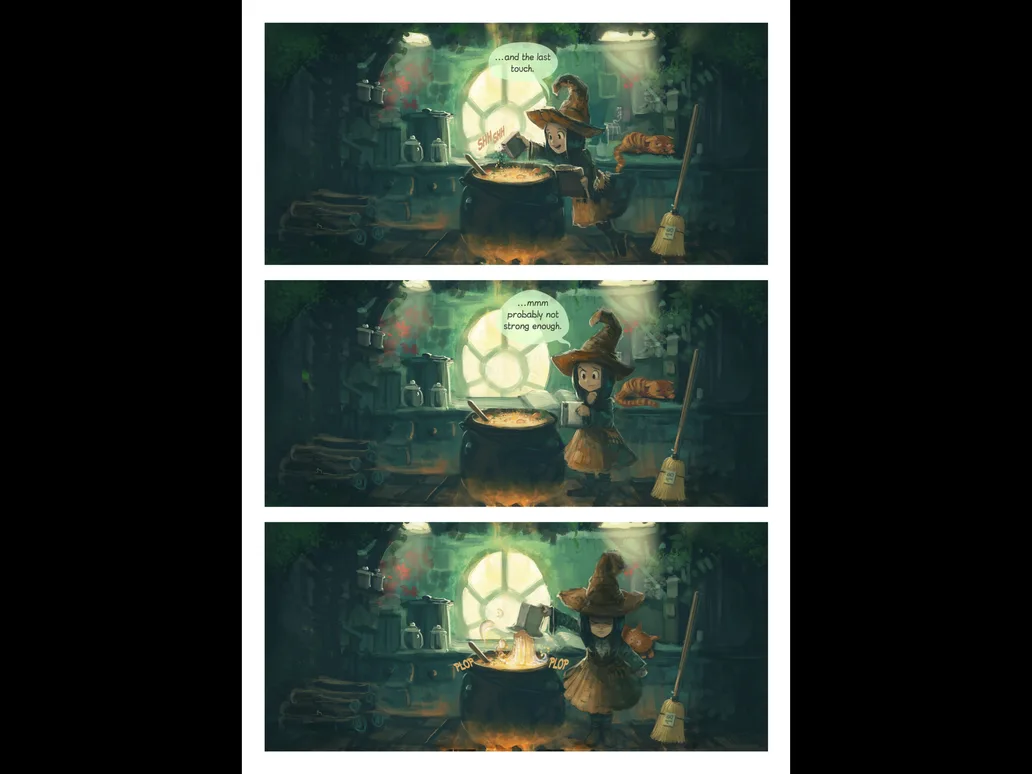
| Read | Manga | Vertical scroll and paged with page curl. |
| Read | Sources | Aidoku and Paperback compatible repositories.
|
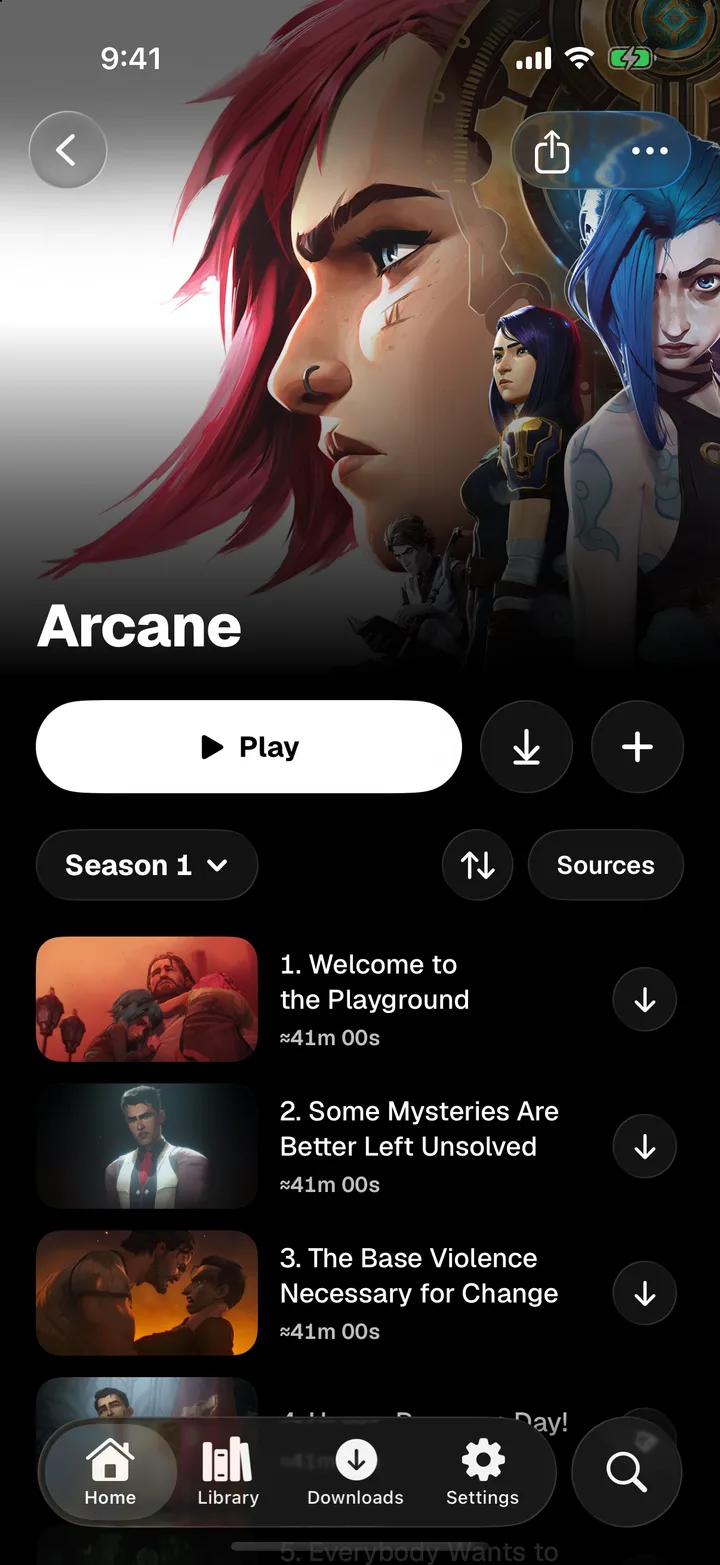
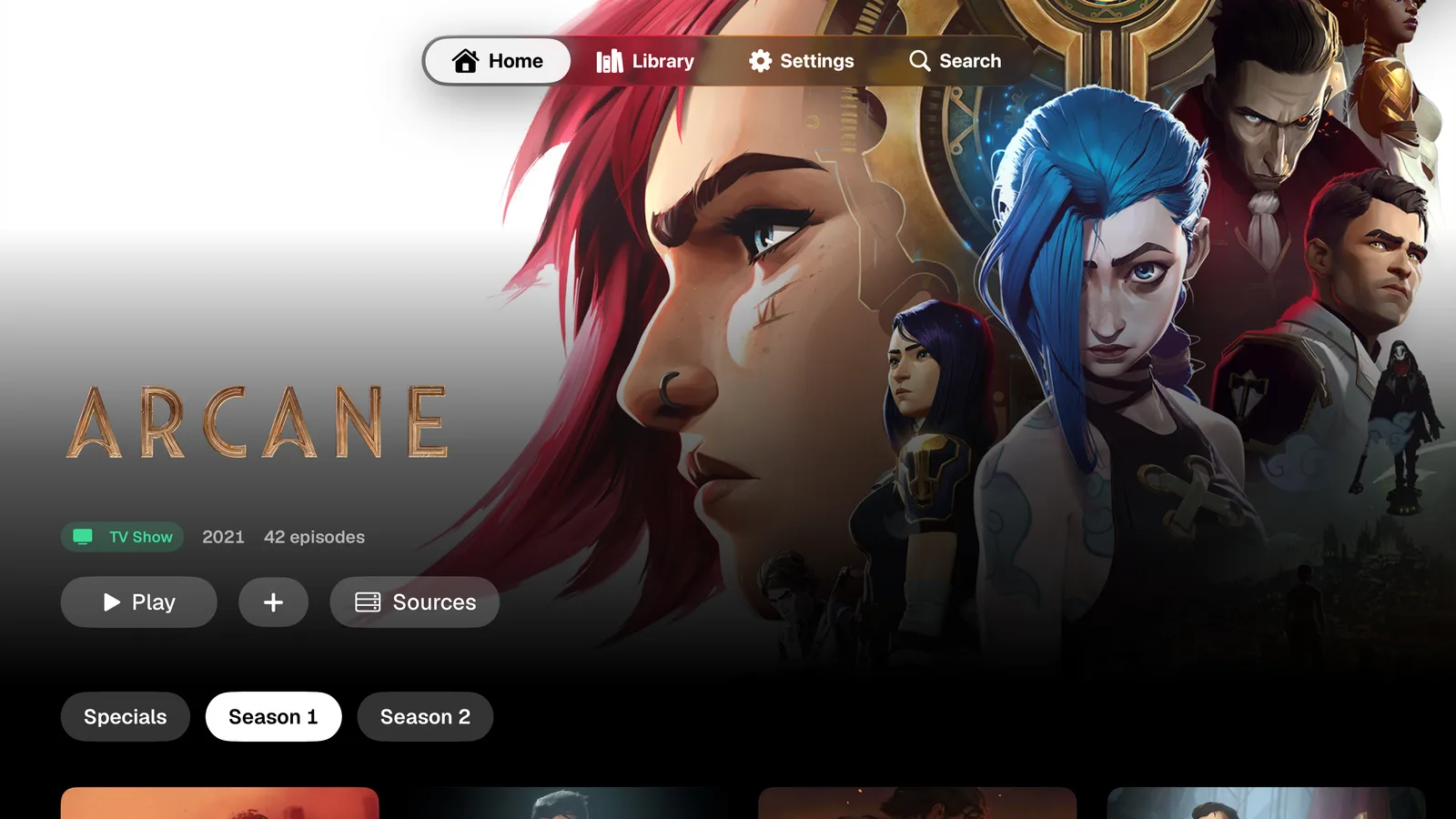
| Watch | Anime | Episodes, seasons and continue watching. |
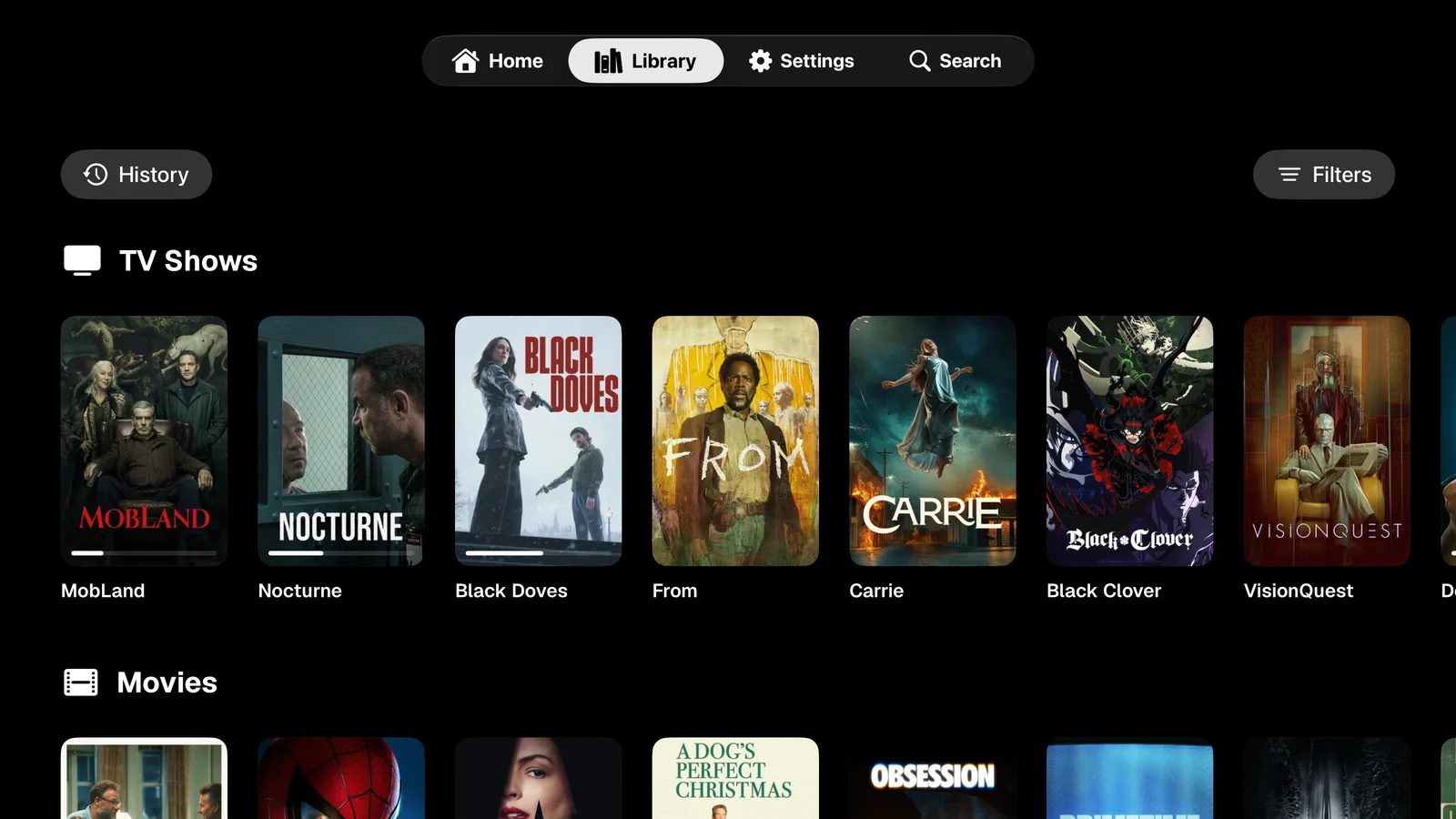
| Watch | TV | Series from any installed addon. |
| Watch | Film | Catalogs from any installed addon. |
| Watch | Addons | Stremio addon protocol.
|
| Watch | Players | VLCKit, AVPlayer, Infuse and VLC.
|
| Keep | Downloads | Parallel and in the background. |
| Keep | Sync | iCloud across every device.
|
| Keep | Tracking | AniList and MyAnimeList.
|
| Keep | Metadata | Kitsu and TMDB artwork and details.
|
| Make | Home | Sections you choose and order. |
| Make | Tabs | Navigation you configure. |
| Make | Controls | Reader buttons, gestures and tap zones you arrange. |
- Platforms
- iOS · iPadOS · macOS · tvOS
- Minimum
- 26.0
- Sync
- iCloud
- Tracking
- AniList
- MyAnimeList
Screens

FAQ
01What is Project Exia?
A native app for reading manga and watching anime, TV and movies on iPhone, iPad, Mac and Apple TV.
02Does it work with Aidoku and Paperback sources?
Yes. Add any Aidoku or Paperback compatible source repository, then browse, read and download from it in Exia.
03Does it support Stremio addons?
Yes. Install any addon that speaks the Stremio addon protocol to add catalogs and streams for anime, TV and movies.
04Is it a Tachiyomi or Mihon alternative for iPhone?
It brings the same idea to Apple devices: installable sources, offline downloads, tracking and a reader you can customize, with video in the same app.
05Can I read and watch offline?
Yes. Chapters and episodes download in parallel and in the background, then play or open without a connection.
06Does it sync with AniList and MyAnimeList?
Yes. Progress syncs to AniList and MyAnimeList, and your library, settings and sources sync across devices with iCloud.
07Which video players can I use?
VLCKit by default, with AVPlayer, Infuse and VLC as options. Each media type can use a different player.
08Can I customize it?
Yes. Choose and order the Home sections, configure the navigation tabs, pick metadata providers such as Kitsu and TMDB, and arrange the reader buttons, gestures and tap zones.
09What do I need?
iOS, iPadOS, macOS or tvOS 26 or later.
10How do I get the beta?
Beta sign-ups happen on the Project Exia Discord.
11Does Project Exia host any content?
No. Project Exia does not host or provide content. You choose the sources and addons you install.
Download
Get Project Exia on iPhone, iPad, Mac and Apple TV.
Version 1.1.0 · What's new
- iPhone
- iPad
- Mac
- Apple TV